
 Facebook
 Twitter
 LinkedIn

Your Gmail inbox on the Chrome toolbar
Unread badge, desktop alerts and a quick preview of new mail
For every Gmail and Google Workspace account you use
Works even when Gmail is closed
Every feature free for 30 days, no credit card required
Works Even When Gmail Is Closed
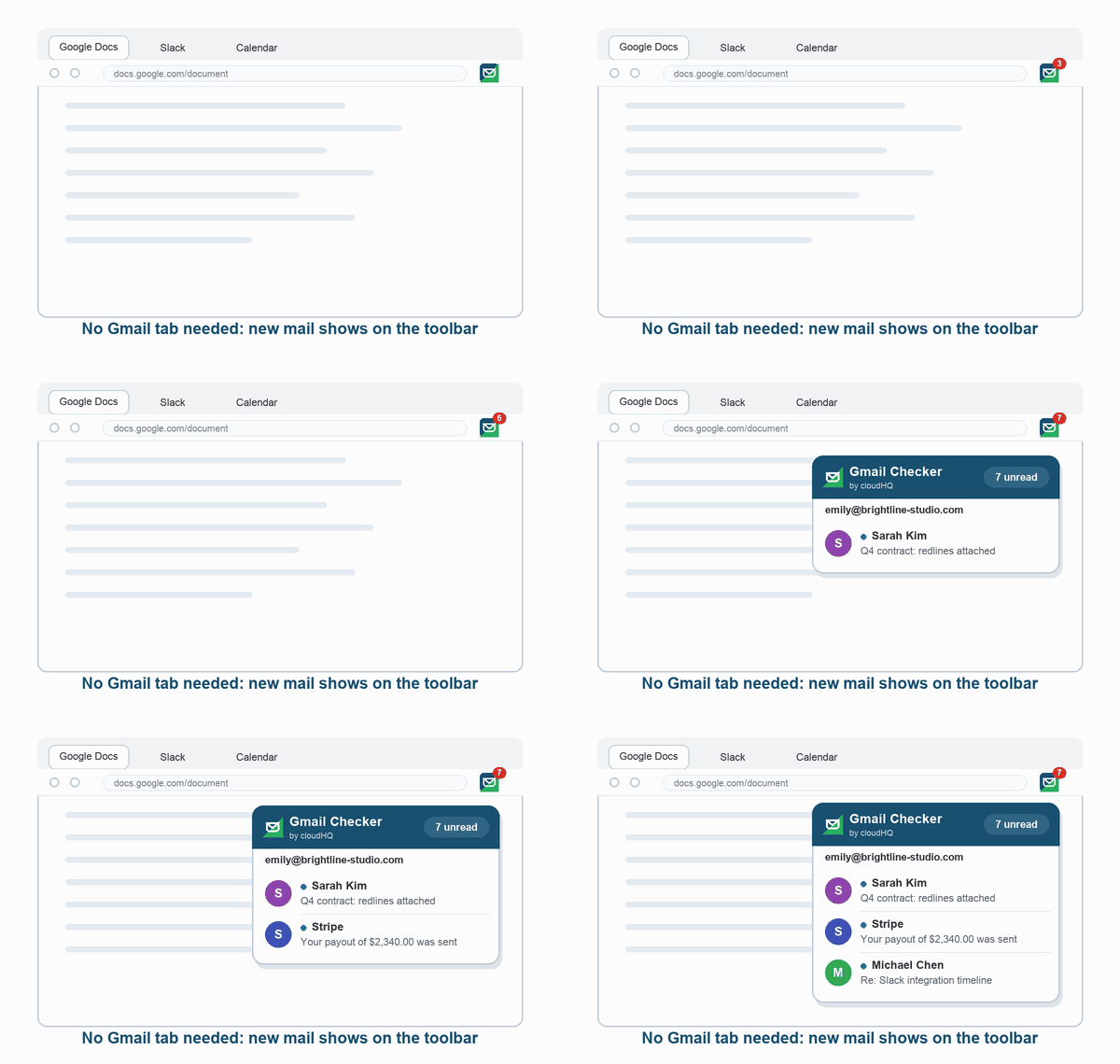
Gmail Inbox Checker checks your inbox in the background and shows the number of unread emails on the toolbar button. No Gmail tab needed. Click the button to see who wrote, the subject and the first line of every new email.
Desktop Notifications, Your Way
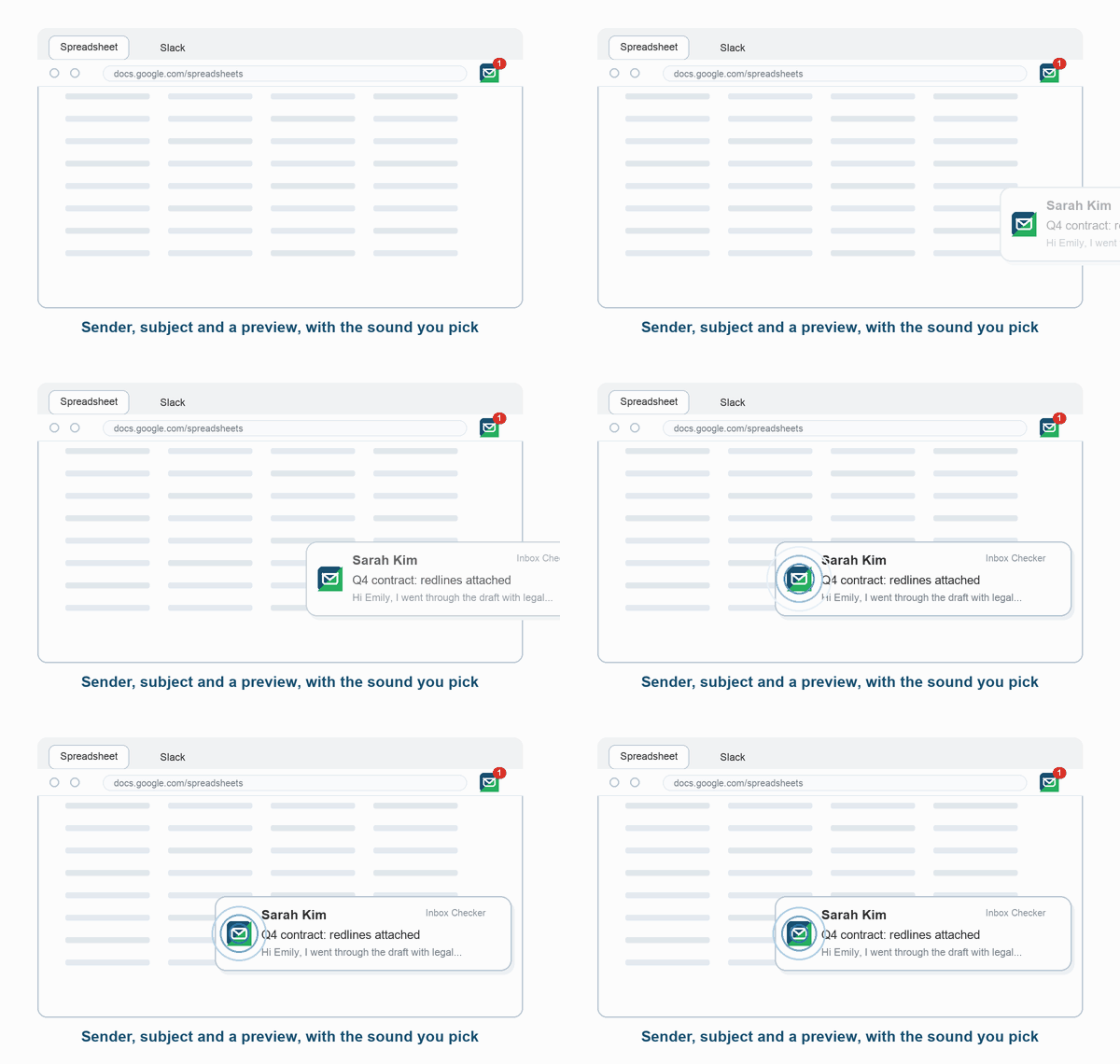
Get a desktop notification the moment new mail arrives. Choose what it shows: sender, subject and a preview, or just "New email" for privacy. Pick a sound, set the volume, and open the email right from the notification.
All Your Accounts, One Unread Badge
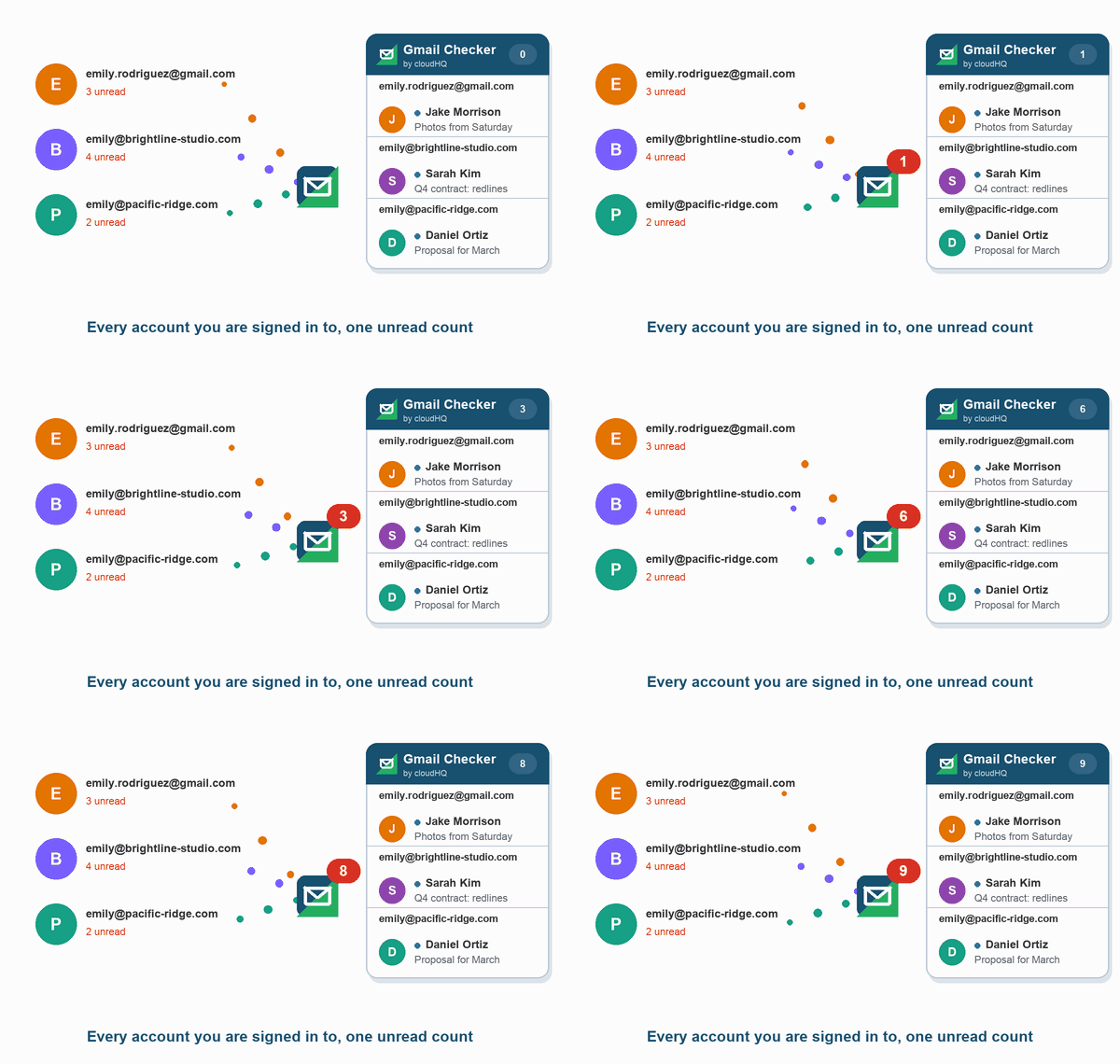
Personal Gmail and Google Workspace accounts side by side. Gmail Inbox Checker detects every Google account you are signed in to in Chrome, counts their unread mail together, and opens the right inbox in one click.
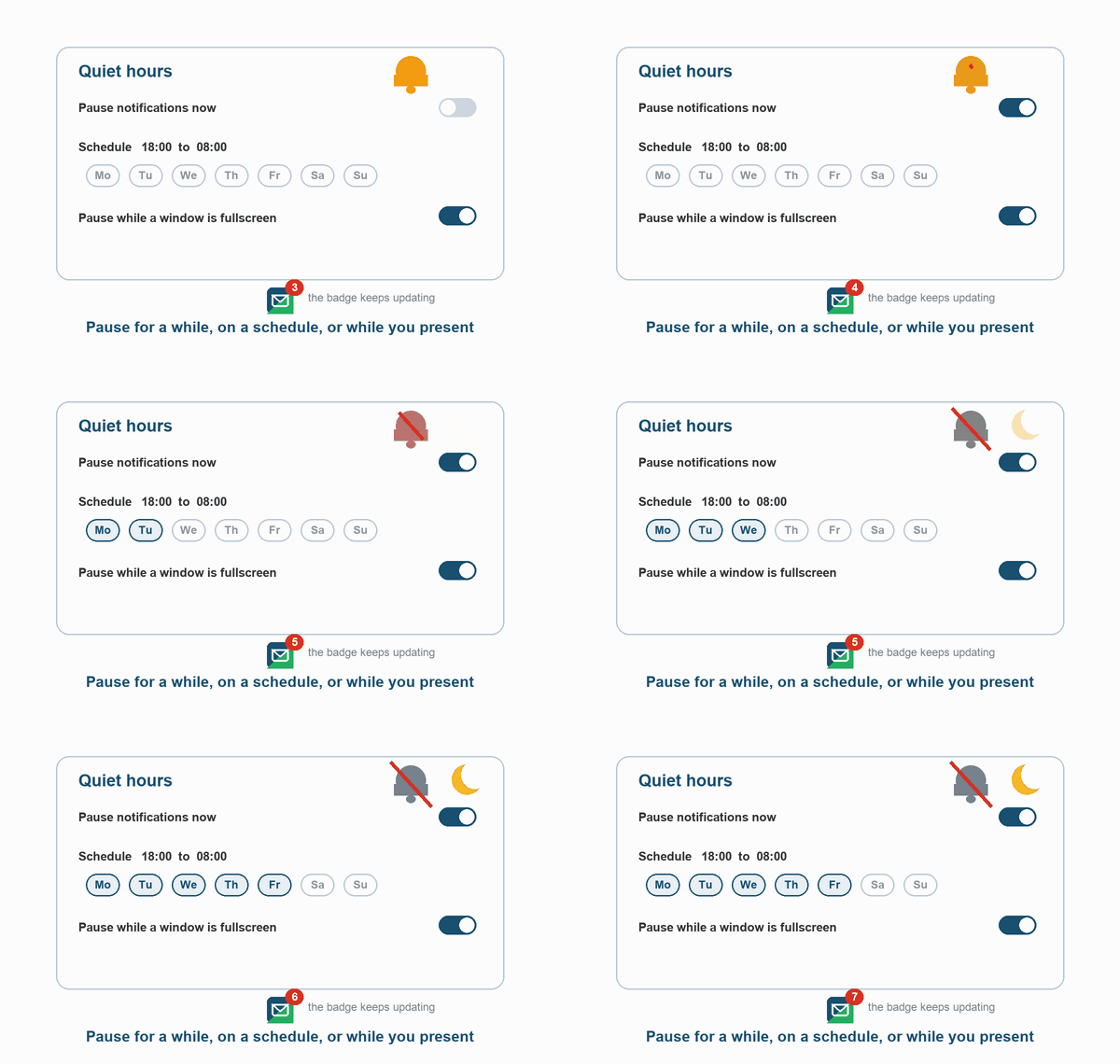
Quiet Hours When You Need to Focus
Pause notifications for 30 minutes, an hour or until tomorrow. Schedule quiet hours by day and time. Notifications pause by themselves while you present in fullscreen. The unread badge keeps updating.
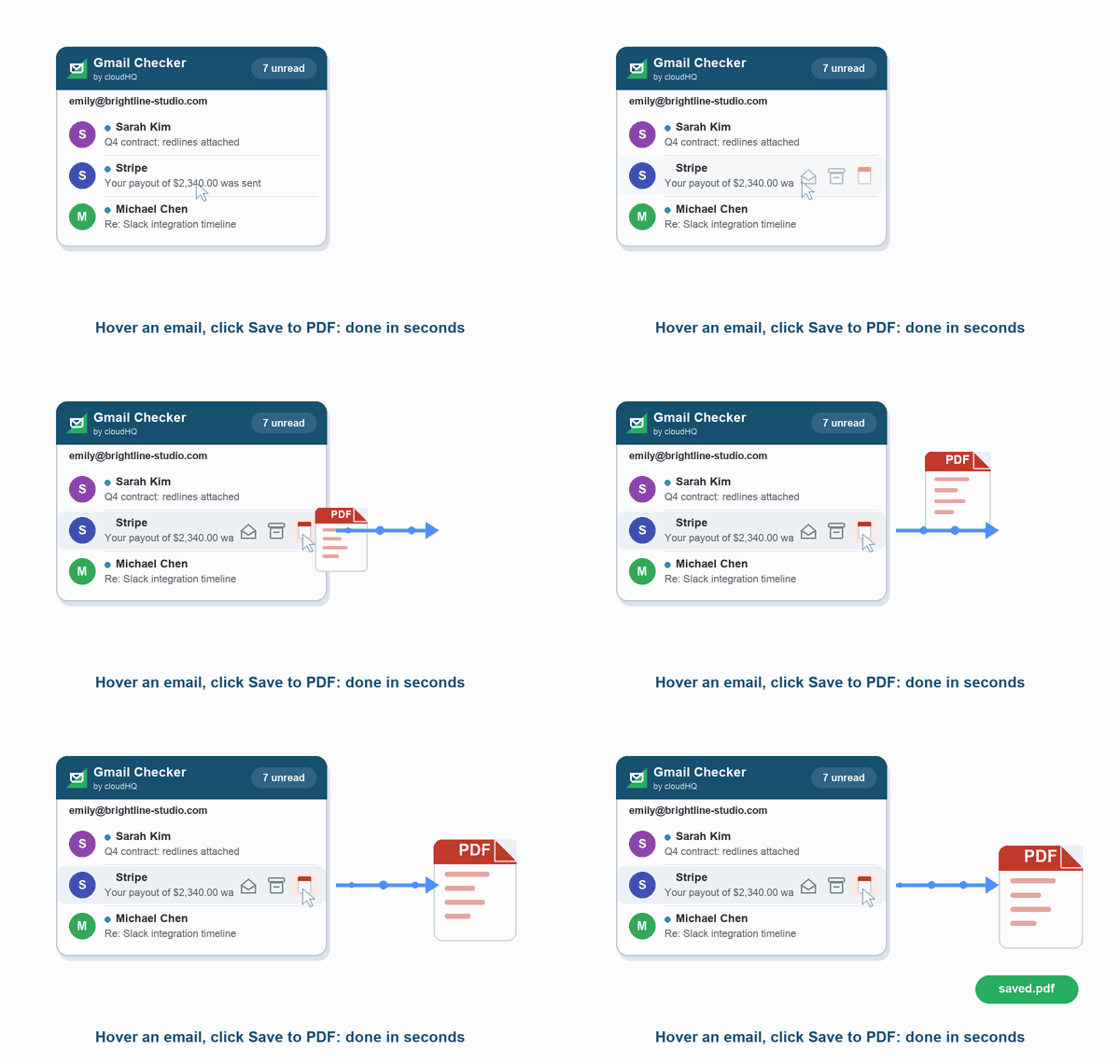
Save Any Email as PDF
Hover an email in the popup and click Save to PDF. Gmail Inbox Checker hands the email to cloudHQ's Save Emails to PDF, so a contract, receipt or confirmation is on your disk in seconds.
Installs in Seconds
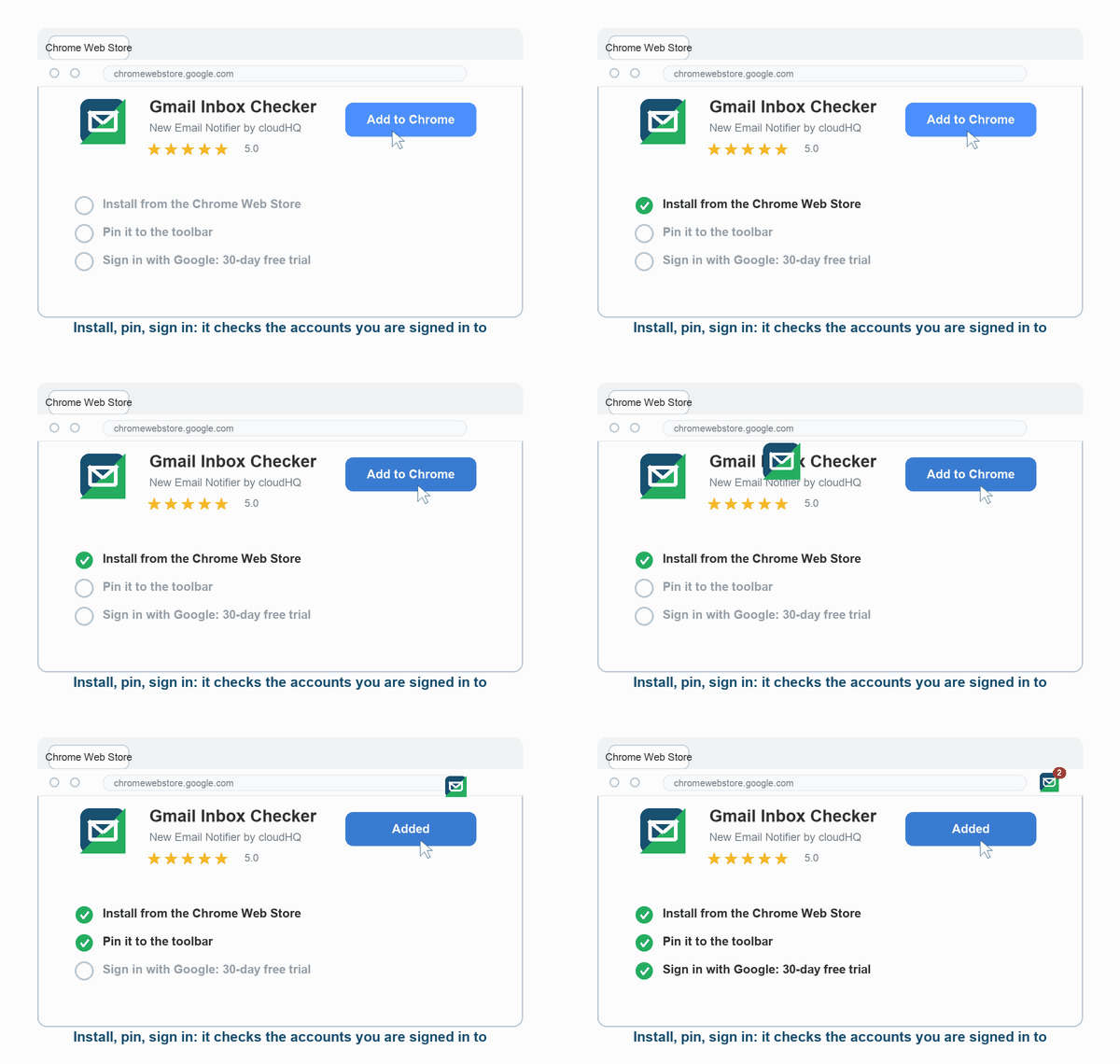
Install Gmail Inbox Checker from the Chrome Web Store and pin it to the toolbar, then sign in with Google to create your cloudHQ account and start your 30-day free trial. It starts checking the Gmail accounts you are already signed in to, nothing to configure.
Who Uses Gmail Inbox Checker?
People with Several Inboxes
A work account, a personal account and a side project: one badge counts them all, and the popup shows each inbox under its own address.
People Who Close Gmail to Focus
Keep Gmail closed while you work. Gmail Inbox Checker tells you when something new arrives and lets you decide whether it is worth opening.
Support and Sales Teams
A customer reply or a new lead shows up as a desktop notification within a minute, with the sender and subject, so nobody waits on a refresh.